Secrets that never touch your state
A database password belongs on the server, not in a state file. Here's how write-only content keeps it out of state and saved plans, and still catches a hand edit.
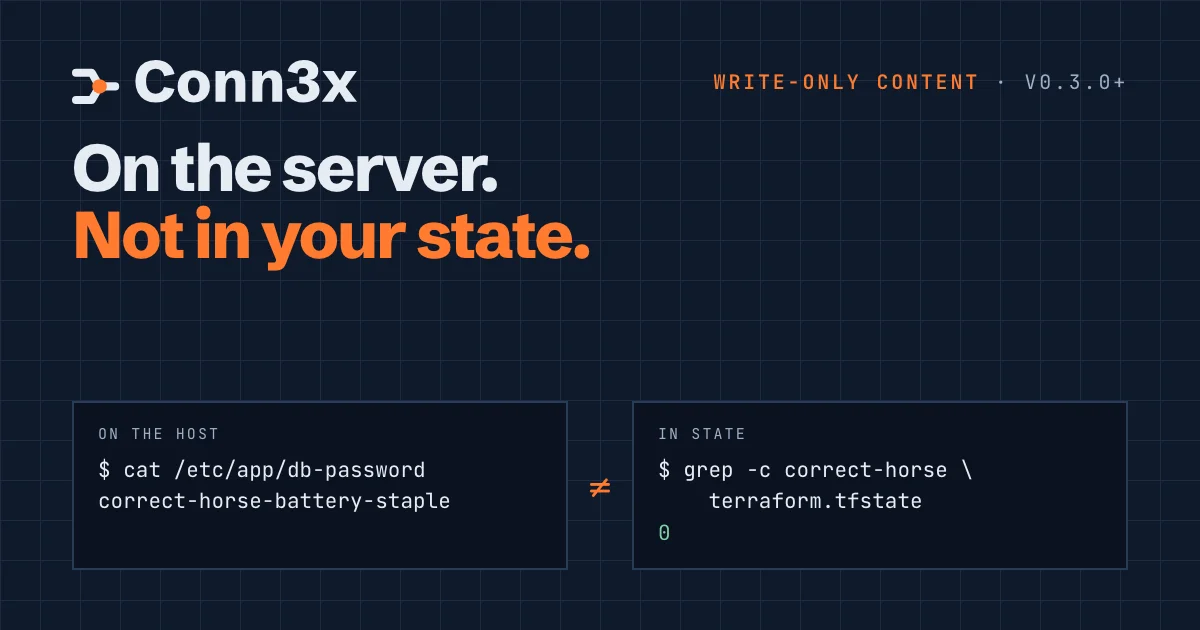
State files are where secrets go to be forgotten about. A password for the app’s database ends up in a file on the server, which is the point, and in terraform.tfstate, which isn’t. From there it travels to every backend, every backup and every laptop that ever ran a plan.
Conn3x v0.3.0 added write-only content for files, so a secret reaches the server and stays out of state. This post shows what that looks like, how drift detection still works without the value, and the one thing you have to get right: the key.
Write-only content
A file step normally takes content. Give it content_wo instead, and pass the value in with an ephemeral variable:
variable "db_password" {
  type      = string
  ephemeral = true
}

circuit "db" {
  # hosts and ssh as usual

  step "password" {
    file {
      path       = "/etc/app/db-password"
      content_wo = var.db_password
    }
  }
}
export TF_VAR_db_password='correct-horse-battery-staple'
conn3x apply
The password goes to the server over SSH and lands in the file with mode 0600, the default for write-only files. It doesn’t appear in the plan, in conn3x show -json of a saved plan, or in state. A template step does the same with write_only = true, for config files that hold a secret among other settings.
sed to fit.How drift still works
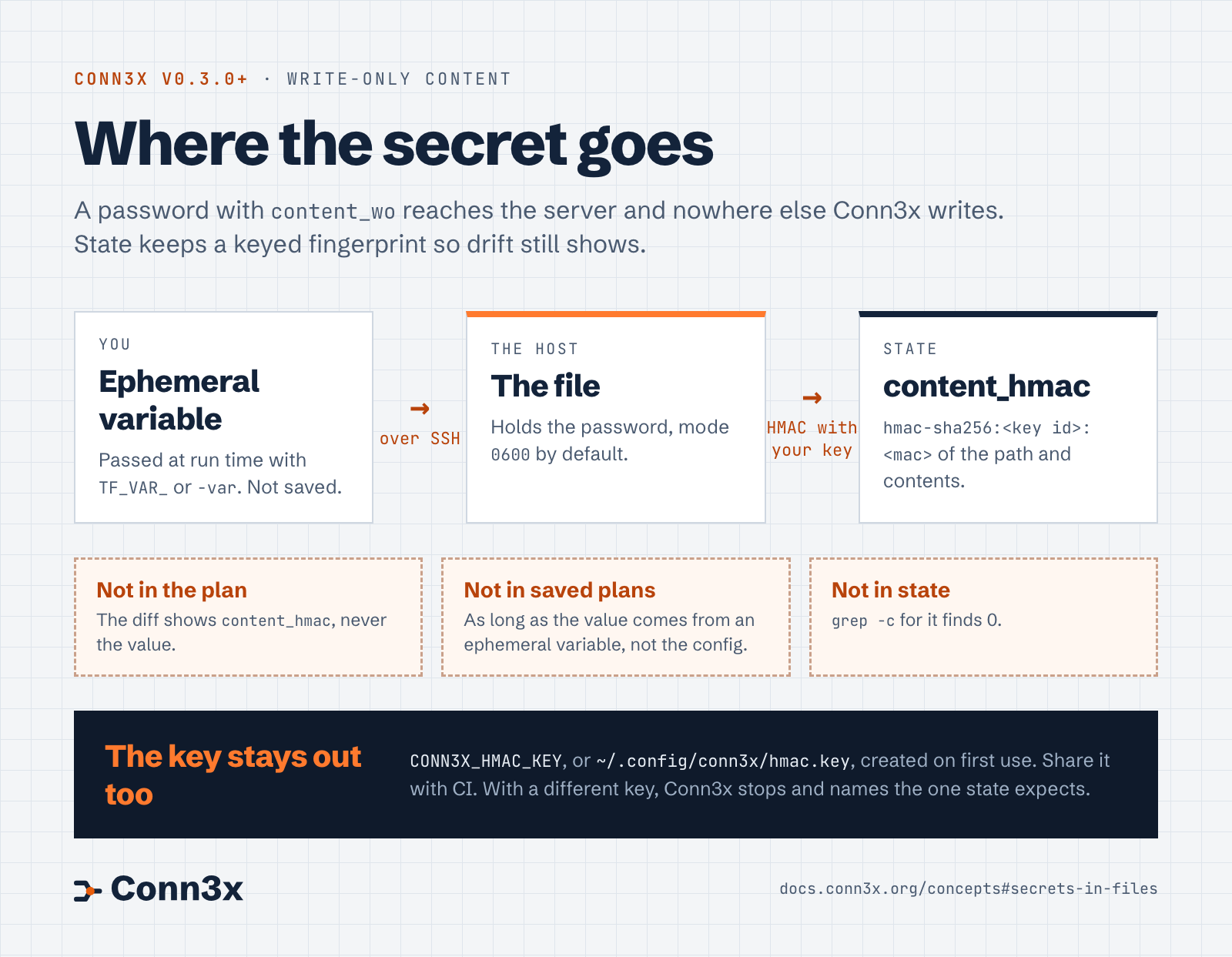
If state doesn’t hold the content, how does Conn3x know when someone changes the file? It keeps an HMAC instead: a keyed fingerprint of the file’s path and contents, stored as content_hmac.
Read the diagram as text
- You: pass the secret as an ephemeral variable at run time, with
TF_VAR_or-var. It isn’t saved. - The host: Conn3x writes it to the file over SSH, with mode
0600by default. - State: holds
content_hmac, an HMAC-SHA256 of the file’s path and contents, in the formhmac-sha256:<key id>:<mac>. - Not in the plan: the diff shows
content_hmac, never the value. - Not in saved plans: as long as the value comes from an ephemeral variable, not the configuration.
- Not in state:
grep -cfor the value finds 0. - The key:
CONN3X_HMAC_KEY, or~/.config/conn3x/hmac.key, created on first use. Share it with CI. With a different key, Conn3x stops and names the key state expects.
On every plan, Conn3x reads the file on the host and computes its HMAC with the same key. If the result matches state, nothing changed. If it doesn’t, the plan shows content_hmac changing, without showing either value, and apply writes your value back.
Two details make this safe to rely on:
- The key isn’t in state. An HMAC made with a key you also store next to it would be a hash anyone could attack offline. Conn3x reads the key from
CONN3X_HMAC_KEY, or from~/.config/conn3x/hmac.key, which it creates the first time it writes a secret. - The path is part of the HMAC. The same password in two files gives two different values, so state doesn’t reveal that they match.
Get the key right
Everything that applies the same state needs the same key: your laptop, a teammate’s, and CI. The key file holds 64 hex characters, and that same string works as CONN3X_HMAC_KEY, so moving it into your CI secrets is a copy and paste:
cat ~/.config/conn3x/hmac.key # store this as CONN3X_HMAC_KEY in CI
Keep the file to yourself. If your group or other users can read it, plans and refreshes warn and print the chmod 600 that fixes it. A key in CONN3X_HMAC_KEY is yours to guard.
If a run uses a different key, Conn3x stops and says which key the state expects, rather than treating every secret as drifted. If the key is truly gone, conn3x state rm the affected file and apply again to write it with the new key.
Keep it out of saved plans
Write-only content keeps the value out of state. Where the value comes from decides whether it stays out of everything else. Pass it at run time with TF_VAR_ or -var, and mark the variable ephemeral. A secret written into the configuration, as a literal or a variable’s default, is part of the configuration, so it also ends up in saved plan files.
And if a secret used to sit in plain content, older state versions and backups still hold it. Rotate it when you switch.
Try it
The secrets example runs against the same throwaway container as try-it-locally, so you can see the password on the host and count its copies in state yourself. Secrets in files in the docs covers the details.