Circuits you can borrow, and a place to share yours
Four official circuits for nginx, users, a hardened baseline and Prometheus node_exporter, tested on four distributions. Plus conn3x.org/circuits, where anyone can list their own.
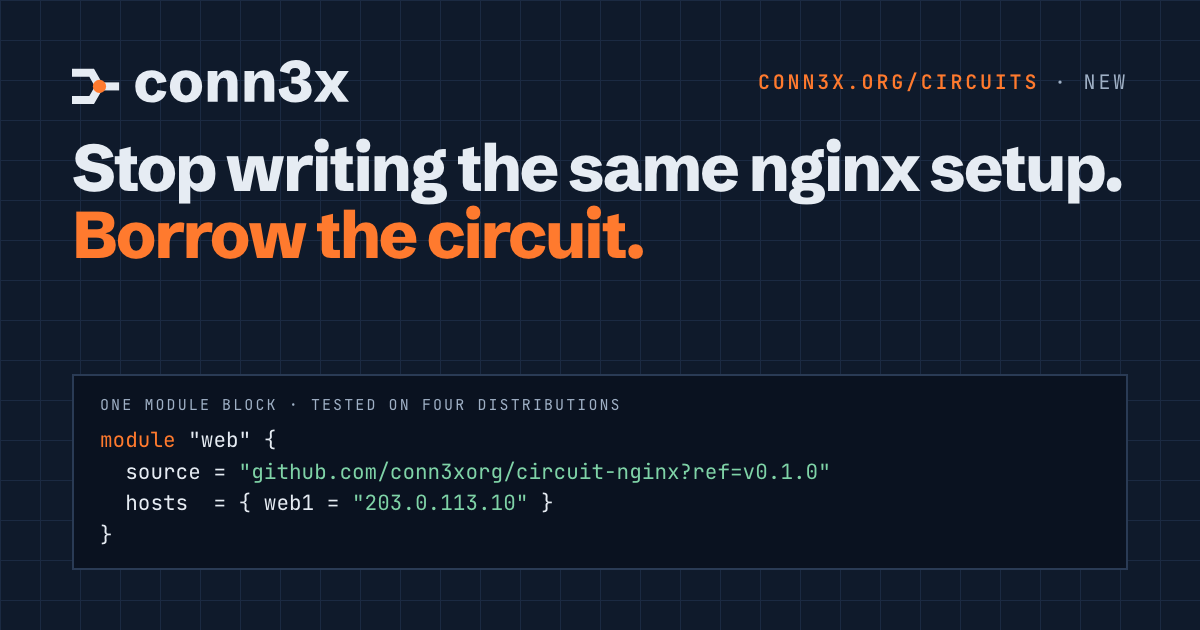
Count the times you’ve written the same setup. Install nginx, drop in a site, open port 80. Add the deploy user and their key. Turn off password logins. Every team writes these, and every team gets the Debian service name wrong once.
You shouldn’t have to write it again. Starting today, there’s a directory of circuits you can drop into your own configuration with one module block, and four official ones to start with.
Four to start
| Circuit | What it does to a host |
|---|---|
| nginx | Installs nginx, writes your page and a site config, keeps the service running, and opens the port in firewalld or ufw. |
| users | Creates users, their groups and their SSH keys from one map, with passwordless sudo for those who need it. |
| baseline | Sets the time zone, runs chrony, applies a few network sysctls, and makes SSH take keys only. sshd checks the new config before it reloads. |
| node-exporter | Downloads Prometheus node_exporter at a pinned version, checks its sha256, and runs it as its own system user. |
Each one is applied in CI to Rocky Linux 10, Fedora 45, Ubuntu 24.04 and Debian 13, then planned a second time, and the job fails unless that plan says No changes. That second plan is the test that matters. A circuit that reports a change it didn’t make, or makes one it didn’t plan, isn’t one you want on your servers.
Using one
A circuit is an ordinary module. Give it your hosts:
module "web" {
  source = "github.com/conn3xorg/circuit-nginx?ref=v0.1.0"
  hosts  = { web1 = "203.0.113.10" }
}

module "team" {
  source = "github.com/conn3xorg/circuit-users?ref=v0.1.0"
  hosts  = { web1 = "203.0.113.10" }
  users = {
    alice = { keys = ["ssh-ed25519 AAAA... alice"], sudo = true }
  }
}
Then conn3x init to fetch them and conn3x plan to see every step on every host before anything runs. Hosts can be servers your plan creates, too: hand a module the droplet’s address and its host key, and the steps wait for the server to exist.
Pin the ref to a tag and read the circuit before you use it. It’s code that runs as root on your servers, so give it the same look you’d give any dependency. They’re short, which helps: each one is a single circuit you can read in a few minutes.
Share yours
The four official circuits are a start, not the catalogue. You’ve almost certainly written a circuit someone else wants: PostgreSQL with your sensible defaults, a Docker host, a WireGuard peer, the Caddy setup you keep copying between projects.
Put it in a public repository with a tag and a README, then list it. Fill in a short form, or open a pull request that adds one JSON file. Share a circuit in the docs covers writing one to share: hosts and SSH settings as variables, optional parts, testing on a container, and versioning.
Show us what you build in GitHub Discussions. The first community circuits on the page will be the ones people find first.
And providers
Which clouds work? All of them. Conn3x is built on OpenTofu, so every provider in the OpenTofu Registry works unchanged. The providers page lists where servers usually come from, with a link to search the rest.